How to switch accounts
If you don’t see your orders on the Orders page, you may be logged in under a different account.
Orders are associated with the email used during the purchase. You can have multiple NextGIS accounts, but the Orders page only displays the data purchased to the email that is the login of the current user.
Click on the userpic in the top right corner. You’ll see the email address used for the current logged in user.
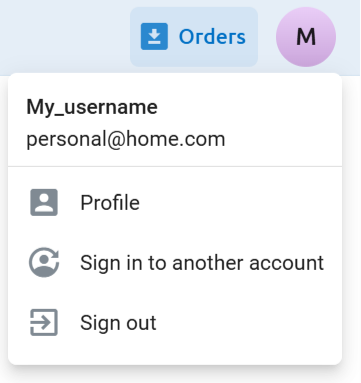
Pic. 3 Email of the logged in user
If it is not the email you entered while purchasing the data, click Sign in to another account.
You’ll be redirected to the sign in page. Enter the email address you used to purchase data.
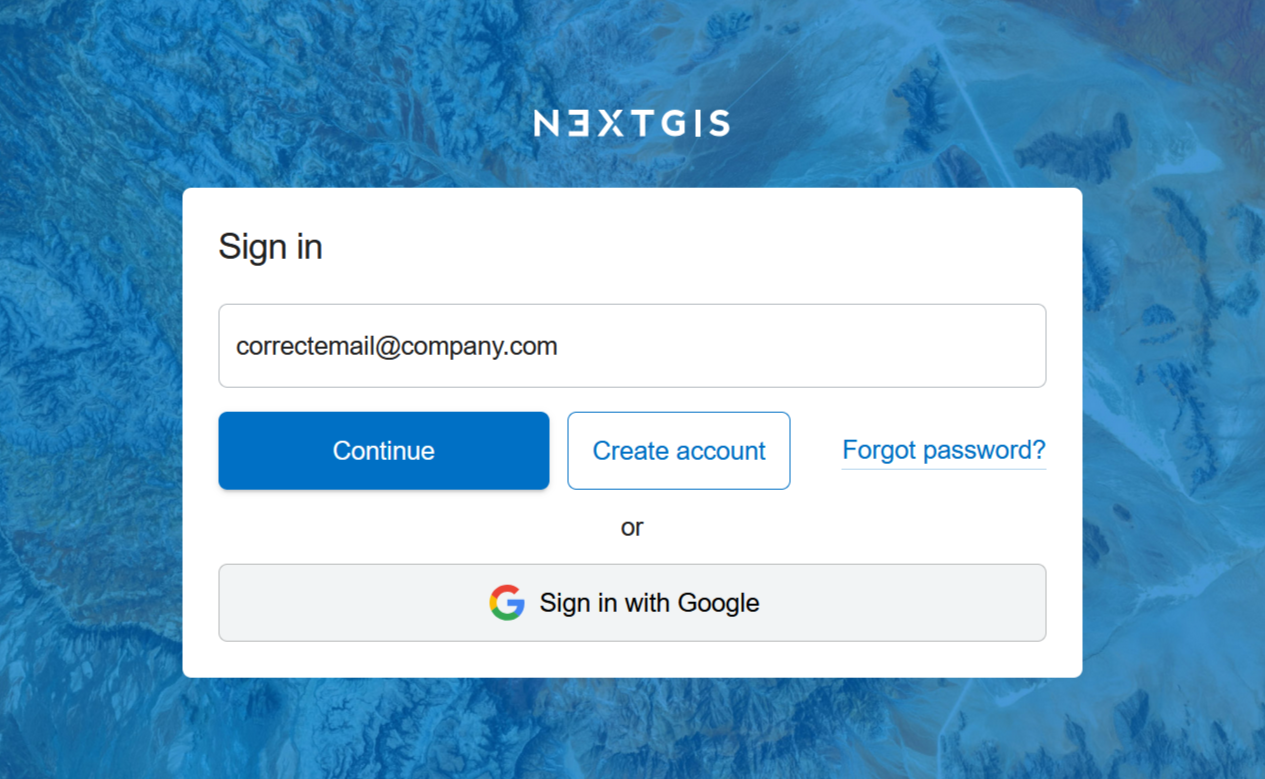
Pic. 4 Entering the email used for the data order
If you don’t have an account with this email, click Create account. A confirmation code will be sent to your email to complete the registration.
If you already have an account with this email, click Continue and enter your password.
If you have NextGIS ID, but don’t have a password, because you’ve chosen to sign in with Google as you registered, and you’ve entered that @gmail.com email for your order, use the option “Sign in with Google”.
On the Orders page you’ll find the list of all the data purchased using that email address.
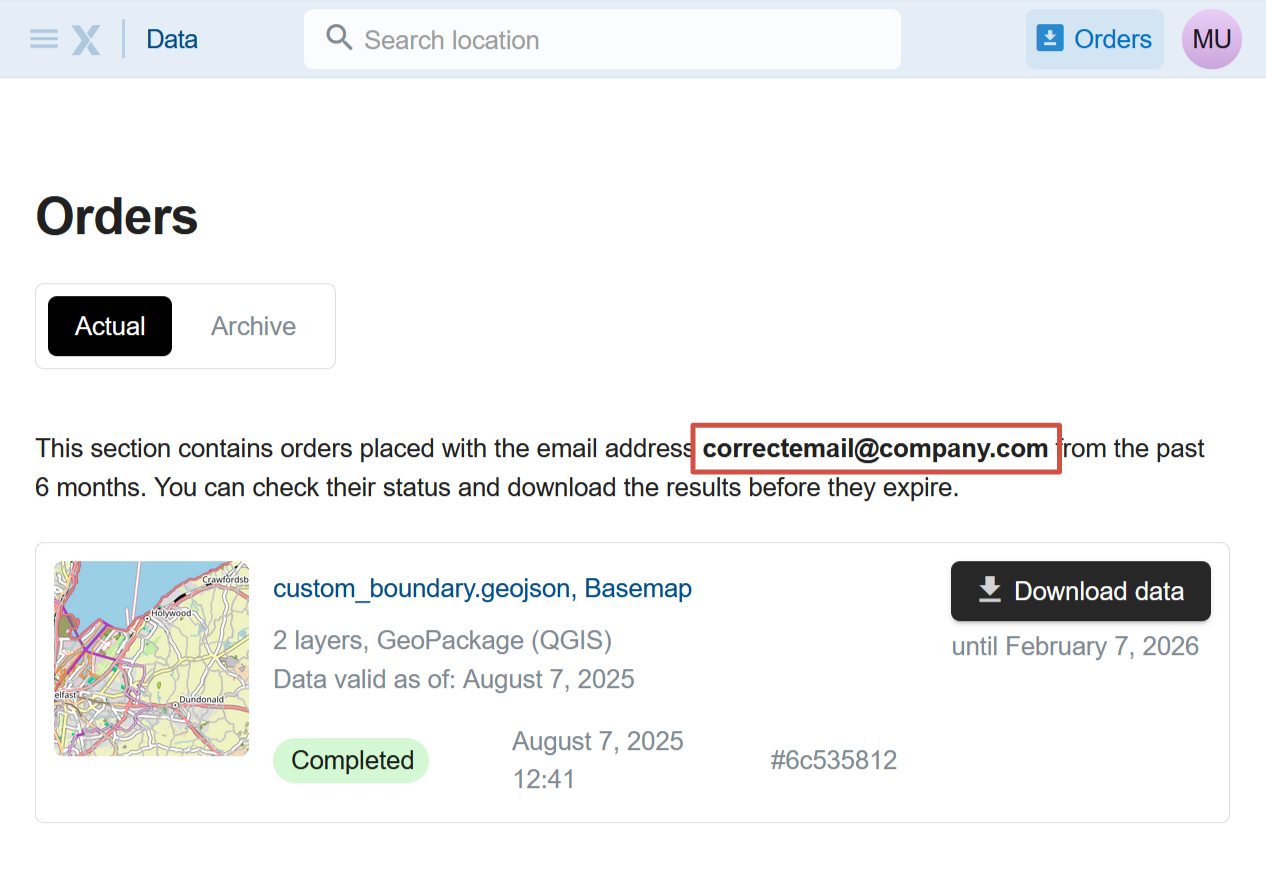
Pic. 5 List of orders made using the email address indicated above
On this page you can download the data you ordered during the past six months or quickly repeat an older order.