How to open your project in MapInfo
Order data for your area of interest in MapInfo TAB format.
Go to the orders page and download the archive when it’s complete.
Unpack the archive.
Launch MapInfo, press “Other workspaces” in the start window or select
Home ‣ Open ‣ Open workspaceand choose a .wor file.
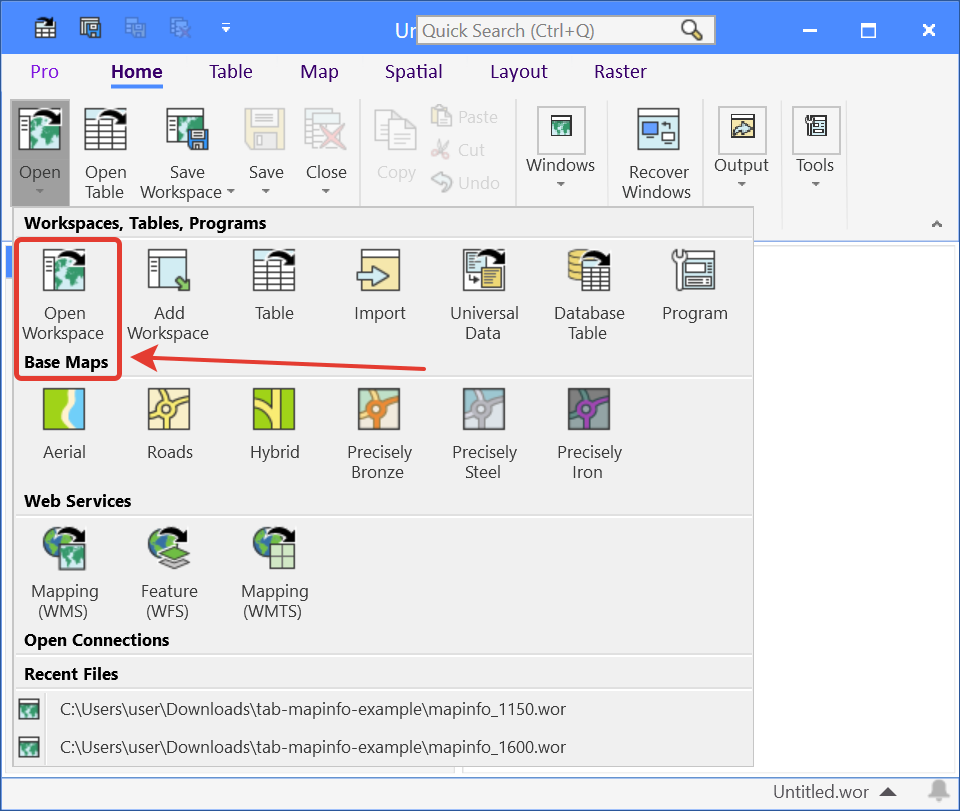
Pic. 15 Opening the project
Your project is opened in the program.
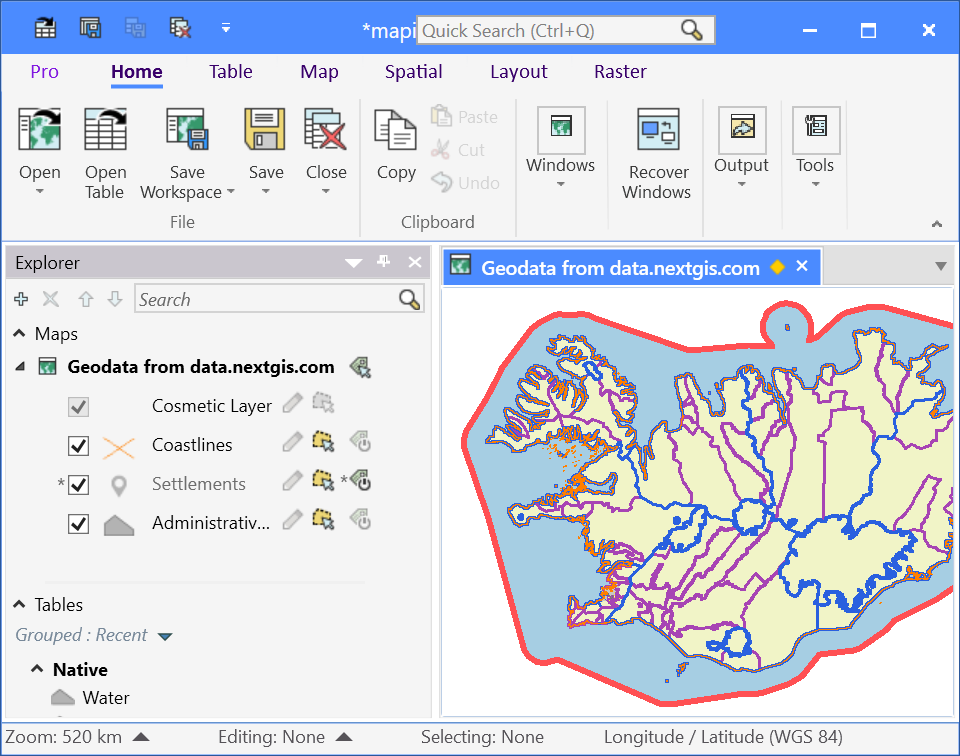
Pic. 16 Basemap project in the MapInfo main window