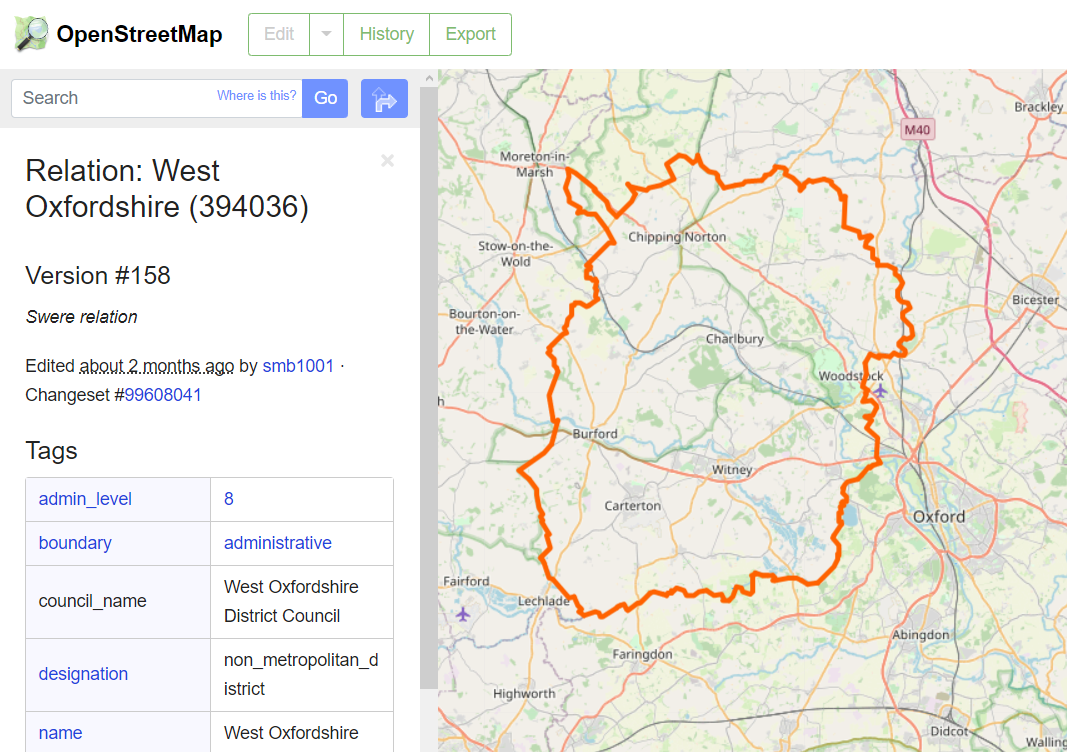
How to find the object I need on OpenStreetMap
First you need to go to the OpenStreetMap website. To do this, enter osm.org in the address bar of your browser or follow this link.
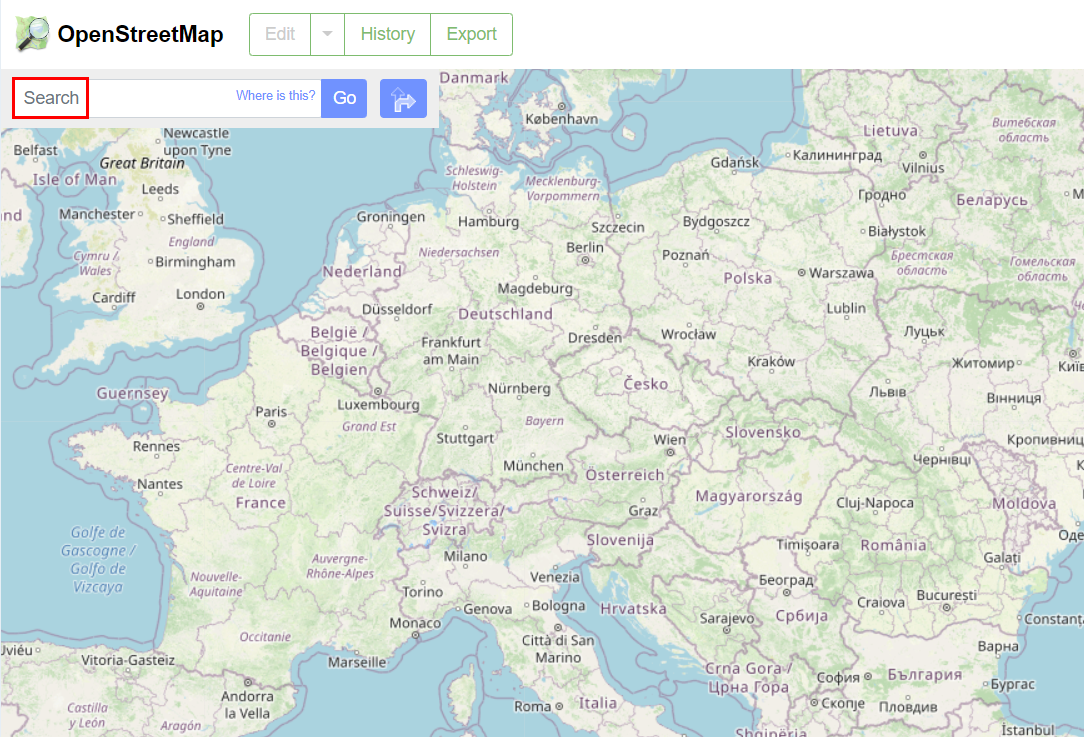
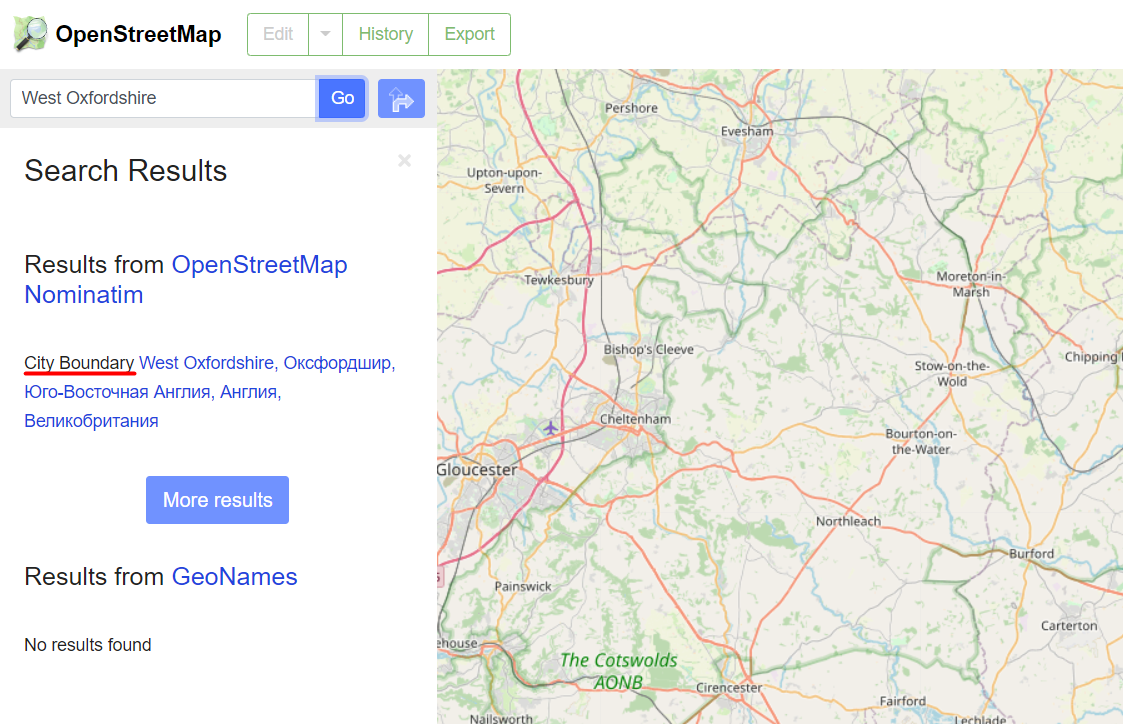
In the search box, enter the name of the object of interest, for example, “West Oxfordshire” and click on the “GO” button. The search results will be displayed under the search bar; if there is a complete match, the type of object (in our case, “City Border”) and its full name will be indicated. The “More results” button will display other similarly named objects.
The name of the object is clickable, when you click on it, the borders of the West Oxfordshire will be displayed on the map.