How to upload Tileset to NextGIS Web
Order data for your area of interest in PNG format.
Go to the orders page and download the archive when it’s complete.
To add a Tileset, select a Tileset in the “Create Resource” block of operations.
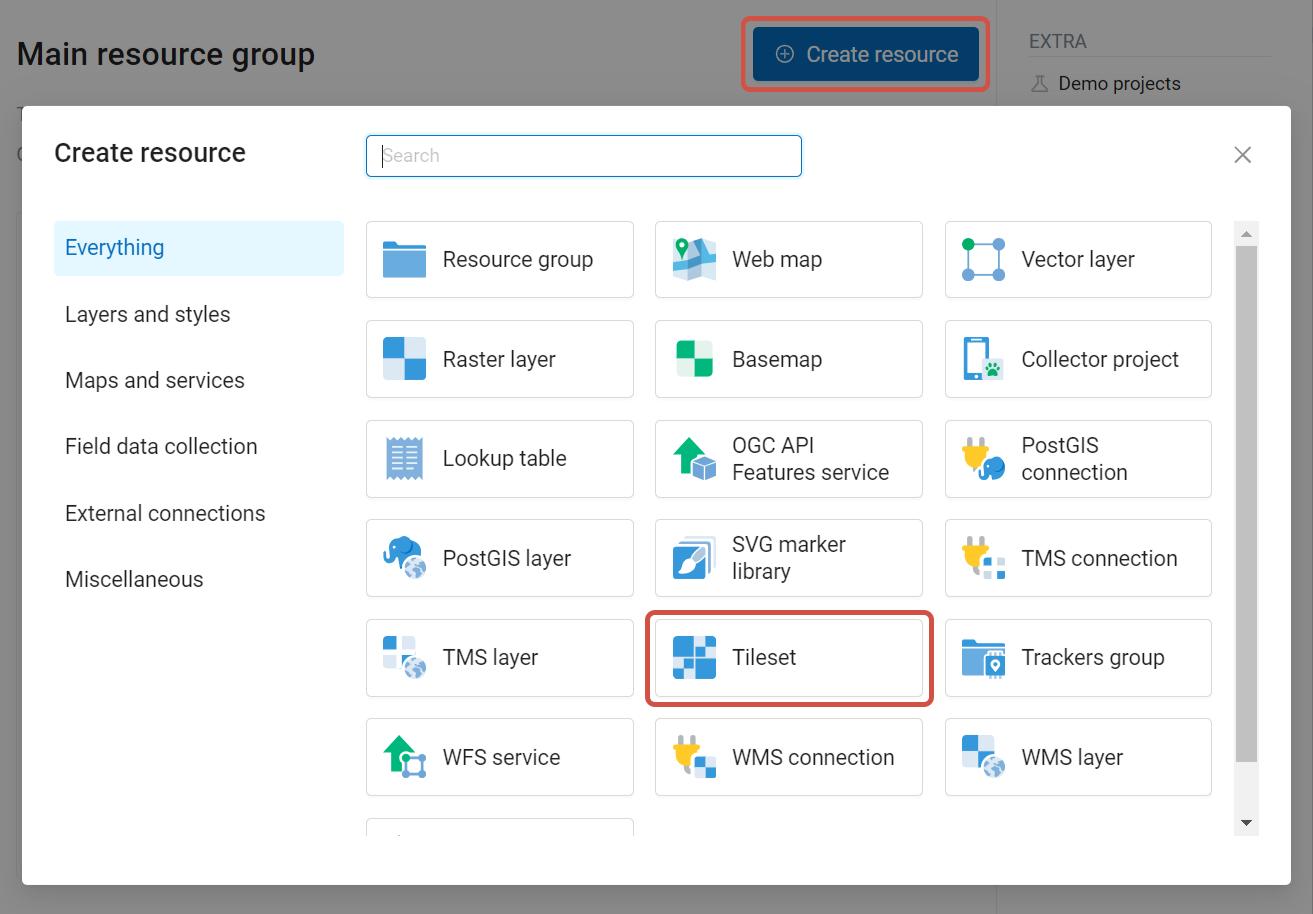
Pic. 12 Selecting Tileset resource type
Next, you need to enter the name of the tileset, which will be displayed in the administrative web interface.
The “Key” field is optional. On the appropriate tabs, you can add a resource description and metadata. Typically, metadata is used to develop third-party applications using APIs.
In the “Tileset” tab, you need to upload a tileset in a zip archive. Tiles must be in PNG or JPEG format and have a size of 256x256 pixels.
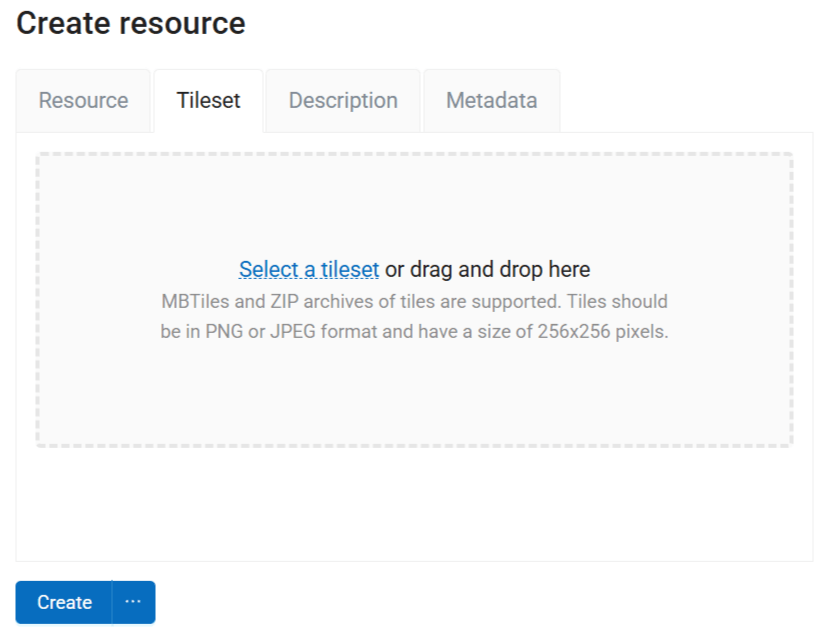
Pic. 13 Tileset tab
Click Create to complete the process.